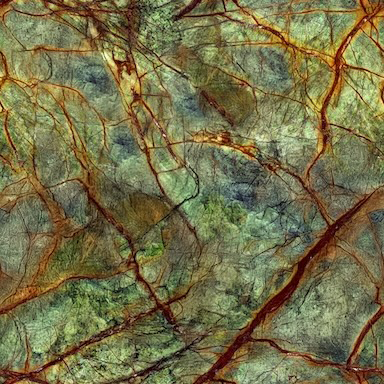
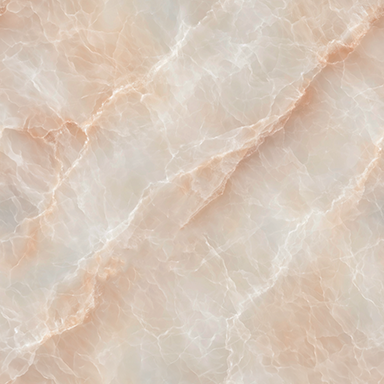
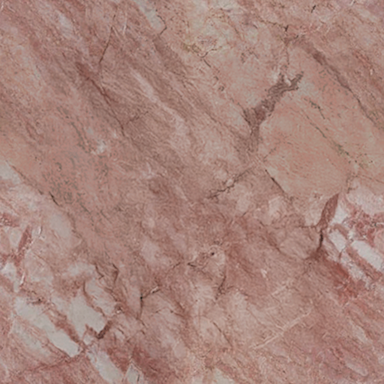
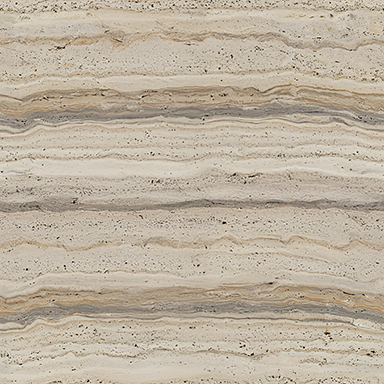
Stone
Swap a stone family while keeping supported shapes and block surfaces. Missing counterparts stay unchanged.
Stone swaps THE COLLECTION
ERYDON commands
These commands belong to ERYDON for Fabric 1.20.1. They require operator permission level 2. They do not require the other Collection mods, although material swaps can include supported installed companions.
ERYDON building tools
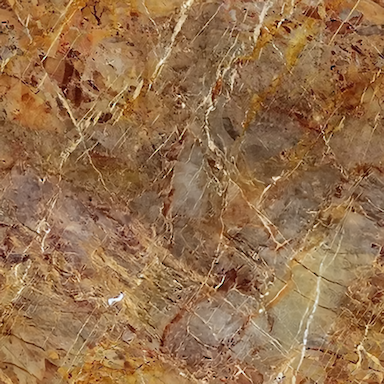
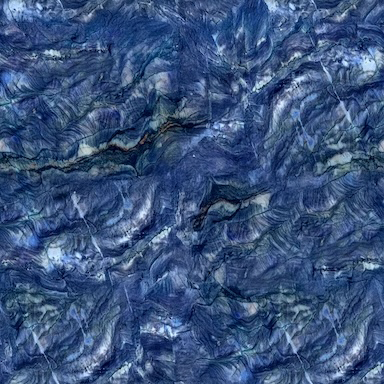
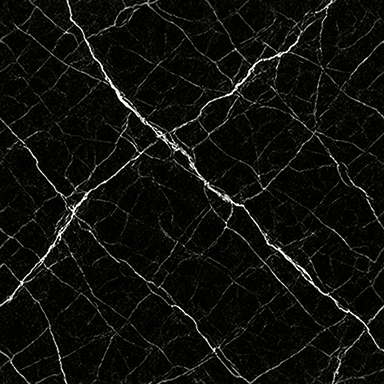
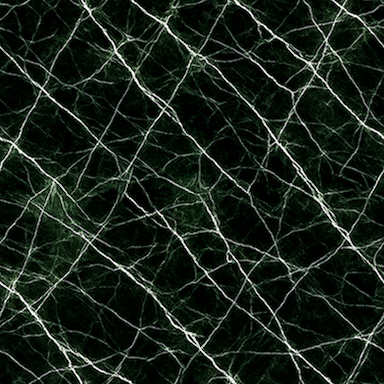
Keep the architecture. Choose a different stone palette. Start with one of six combinations, then see the materials that make it.
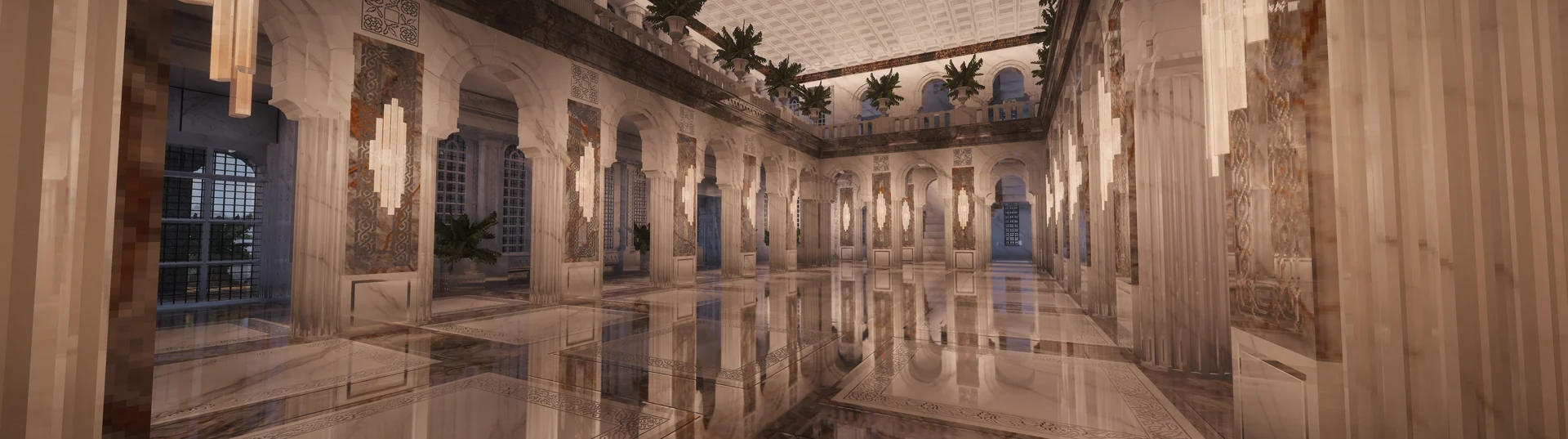
Room views for these combinations are coming. For now, only the palette samples change; this original photograph stays the same.
Foliage and lanterns: Conquest. Roofs: Mythrais.Six combinations of ERYDON stone
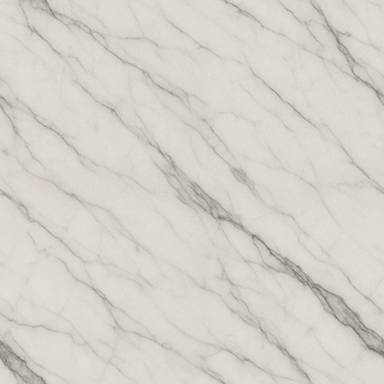
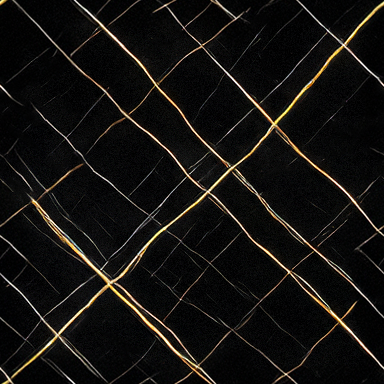
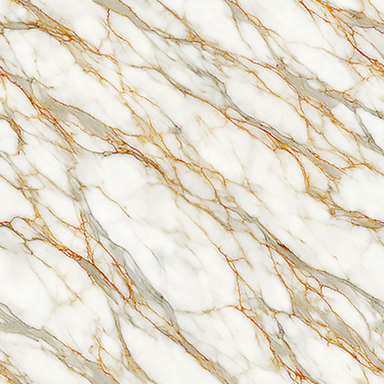
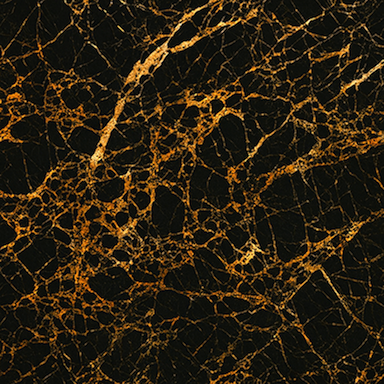
White, black & bronze: Glacium, Laurentium, Calacattum, with bronze. The original room photograph is unchanged.
Swap a stone family while keeping supported shapes and block surfaces. Missing counterparts stay unchanged.
Stone swapsChange to an available aged, hewn or masonry surface. This changes the blocks, separately from your rendering preferences.
Block-surface swapsSwitch bronze and silver on supported inlays while keeping their stone and motif. Solid metal objects, Herringbone and Weave are outside this operation.
Inlay-metal swapsThese High polish appearance settings live in Mod Menu, separately from stone and block-surface swaps. Save and restart after changing them. Their material effects need a supported shader.
Use recalculation after a large edit if a connected ERYDON structure needs its automatic shape rebuilt.
/erydon recalcQueue the configured default radius around your command position. The default radius is 16.
/erydon recalc hereThe explicit form of the same default-radius action.
/erydon recalc radius <radius>Queue an inclusive cube around your position. The server’s configured maximum applies.
/erydon recalc radius 8/erydon recalc chunkQueue the current chunk across the world’s build height.
/erydon recalc cancelCancel your queued recalculation. This is cancellation, not an undo command.
/recalc …Optional shorthand for the same subcommands, when enabled in ERYDON’s Recalc Command settings.
/recalc radius 8Swap supported counterparts in installed ERYDON, Themelios and Daedalon, keeping the matching shape in its own mod.
/erydon swap helpShow the command’s material-swap guidance. /erydon swap also opens this help.
/erydon swap chunk <from> <to>Change matching material blocks in the current chunk at every valid build height.
/erydon swap chunk "Aganite Polished" "Aganite Aged"/erydon swap radius <from> <to> <radius>Change an inclusive cube around your position; radius is 1 to 32.
/erydon swap radius "Aganite Family" "Latmion Family" 8/erydon swap box <from> <to> <x1> <y1> <z1> <x2> <y2> <z2>Use two corners in either order. Relative coordinates work. Maximum volume: 524,288 blocks.
/erydon swap box "Aganite Family" "Latmion Family" ~ ~ ~ ~15 ~15 ~15/erydon swap undolastUndo the last successful swap in this loaded world and dimension, while preserving blocks changed afterwards.
Switch Bronze and Silver across mixed stones while retaining each supported Trim, Guilloche, Quatrefoil or Rosette motif.
/erydon swap overlay helpShow overlay-swap guidance.
/erydon swap overlay chunk <from-metal> <to-metal>Change matching inlay metal in the current chunk.
/erydon swap overlay chunk bronze silver/erydon swap overlay radius <from-metal> <to-metal> <radius>Change a radius cube using the usual 1–32 radius limit.
/erydon swap overlay radius silver bronze 8/erydon swap overlay box <from-metal> <to-metal> <x1> <y1> <z1> <x2> <y2> <z2>Change matching inlay metal inside two corners.
/erydon swap overlay box bronze silver ~ ~ ~ ~15 ~15 ~15These commands build displays in the world. Use a separate test world or a saved copy, with plenty of clear space.
/erydon showcase texturePrepare a material-and-texture display. The first command reports its bounds and occupied blocks without placing it.
/erydon showcase texture <confirmation-code>Place the prepared display using the two-digit code printed by your own first command.
/erydon showcase blocktypes georgianPrepare an assembled Georgian block-family display in Glacium.
/erydon showcase blocktypes georgian <confirmation-code>Place the prepared Georgian display using its printed confirmation code.
Start typing a command and use Minecraft’s suggestions for installed materials and finishes. Suggestions list available materials and finishes. Read the command’s summary to see which blocks changed in your selected area.
All 27 stones offer Honed, Polished and Ganosis through Mod Menu. Those plain-stone command names select the same blocks; their appearance follows your saved finish setting. A Family selector covers all supported finishes and can keep each piece’s finish during a material swap.
Worked material-swap guide