Install Mod Menu, then open Mods → ERYDON → Configure. The settings panel brings together building help, world settings and material choices.
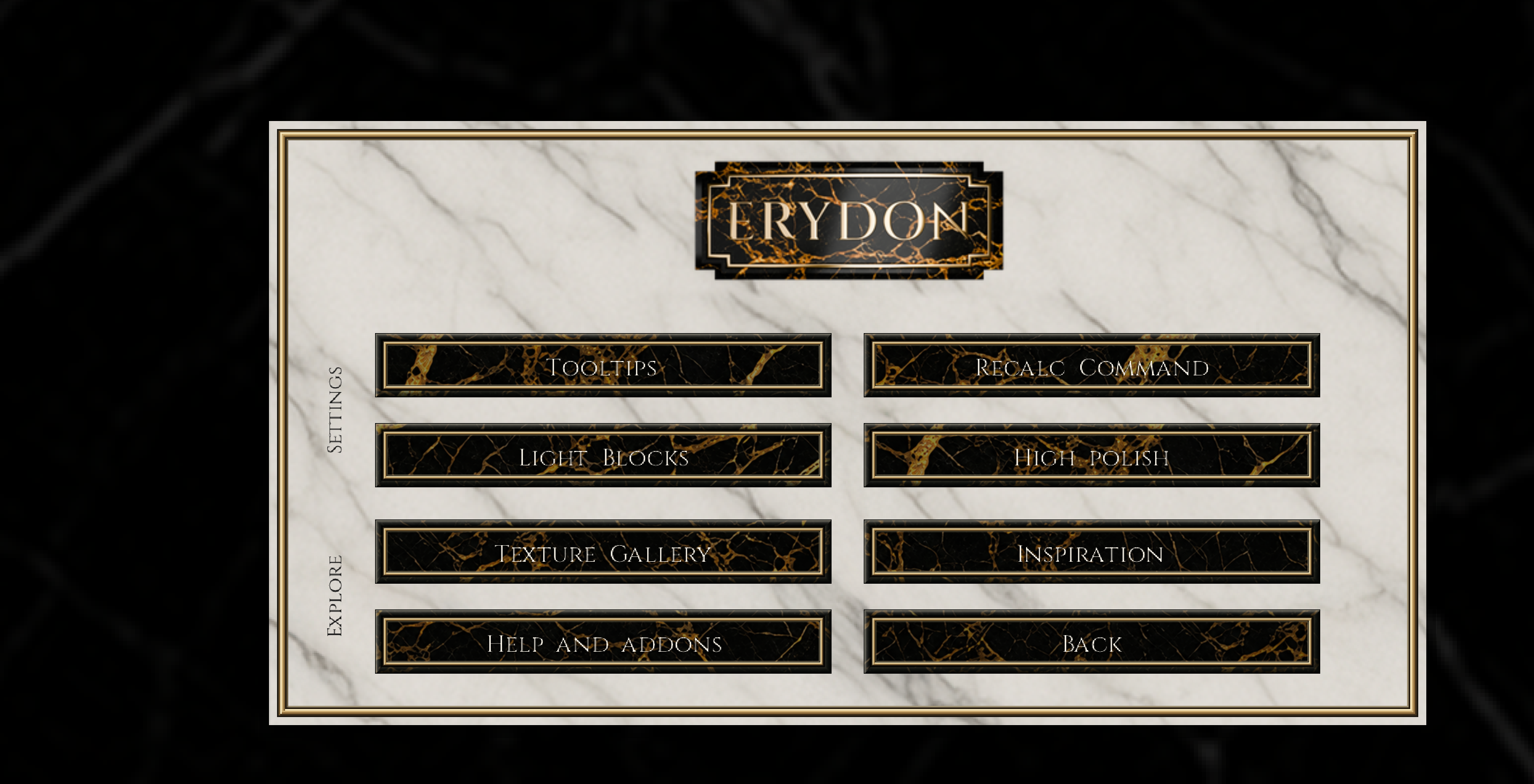
In-game screen · Main menu. The main ERYDON menu, with Settings and Explore sections. Open full-size image
Menu map
Select a menu section to see what it does.
Settings
Explore
Your client · restart needed
High polish
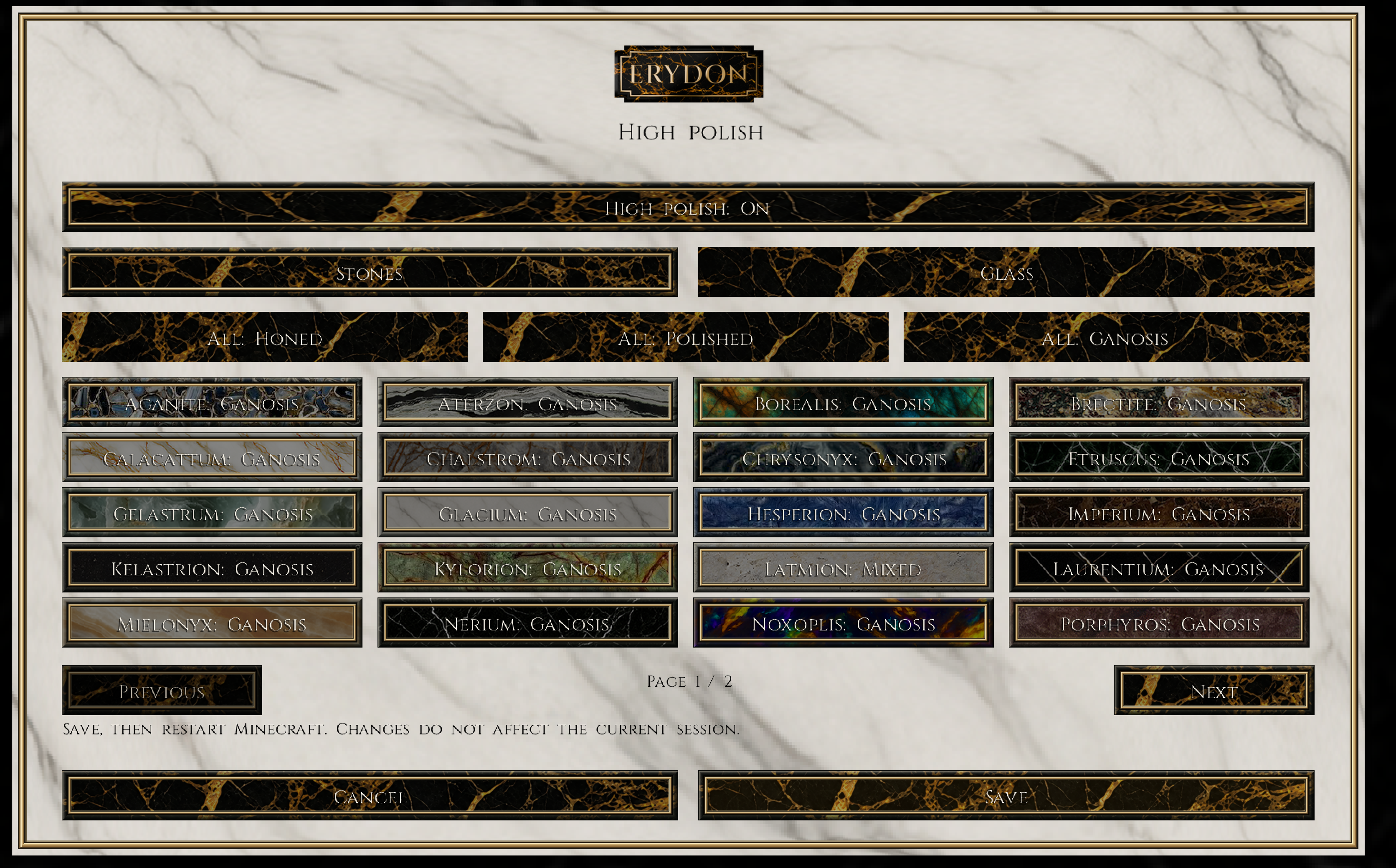
Choose Honed, Polished or Ganosis for all 27 fresh-stone families, with separate glazing and two-way glass preferences.
Use a preset across all stones, or open one of the 27 materials.
Herringbone, Weave and inlays can inherit the base choice or use their own level.
The Glass tab keeps glazing and two-way coating controls separate.
Save records these preferences. Restart Minecraft to apply them. Enhanced results require a recognised Complementary profile.
In-game screen · High polish · Stones. High polish is on. Stones page 1 of 2 shows the shared presets and individual choices; Latmion has a Mixed setting here. Open full-size image
In-game screen · Main menu. The main ERYDON menu, with Settings and Explore sections. Open full-size image
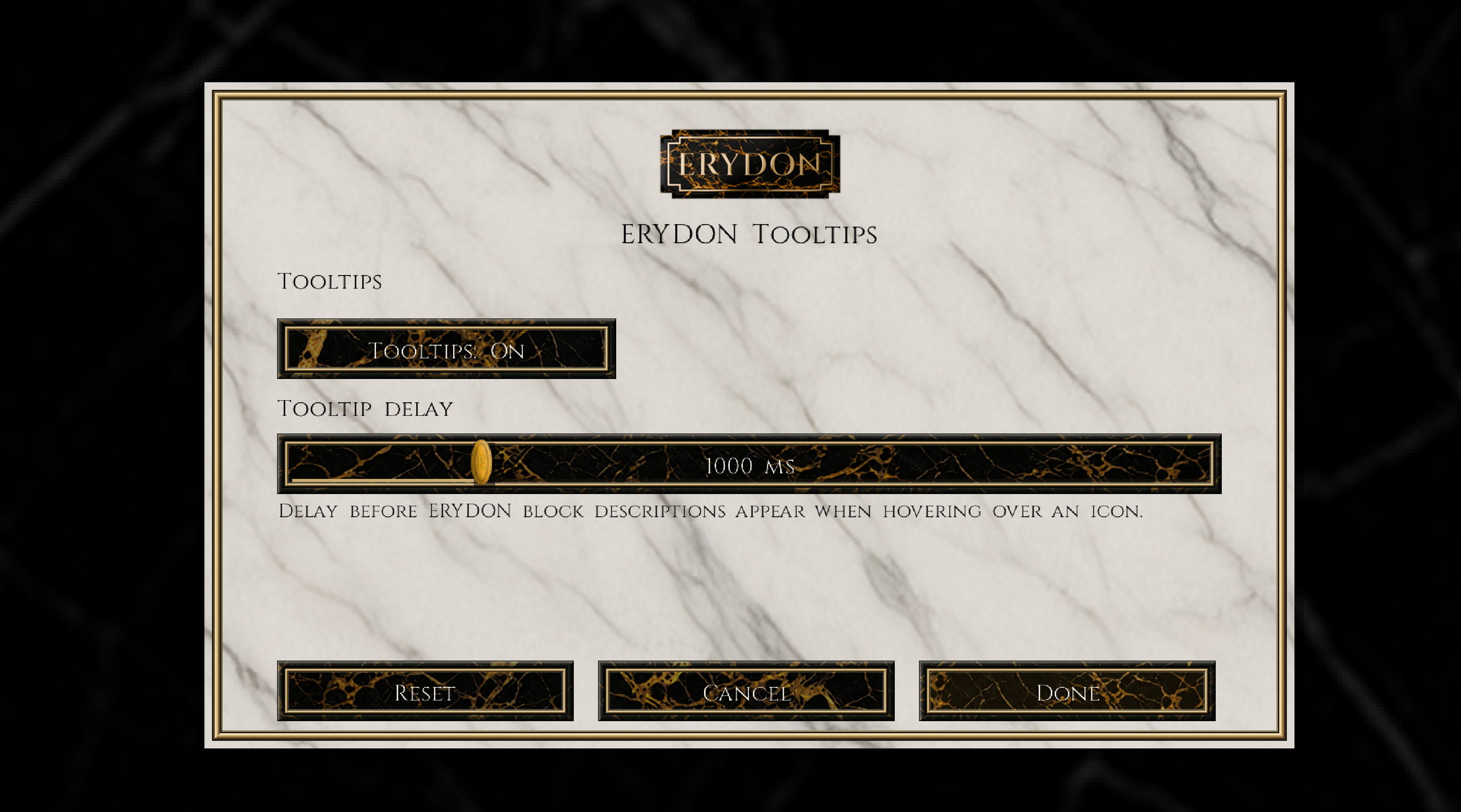
In-game screen · Tooltips. Tooltips switched on with a 1000 ms delay in this example. Open full-size image
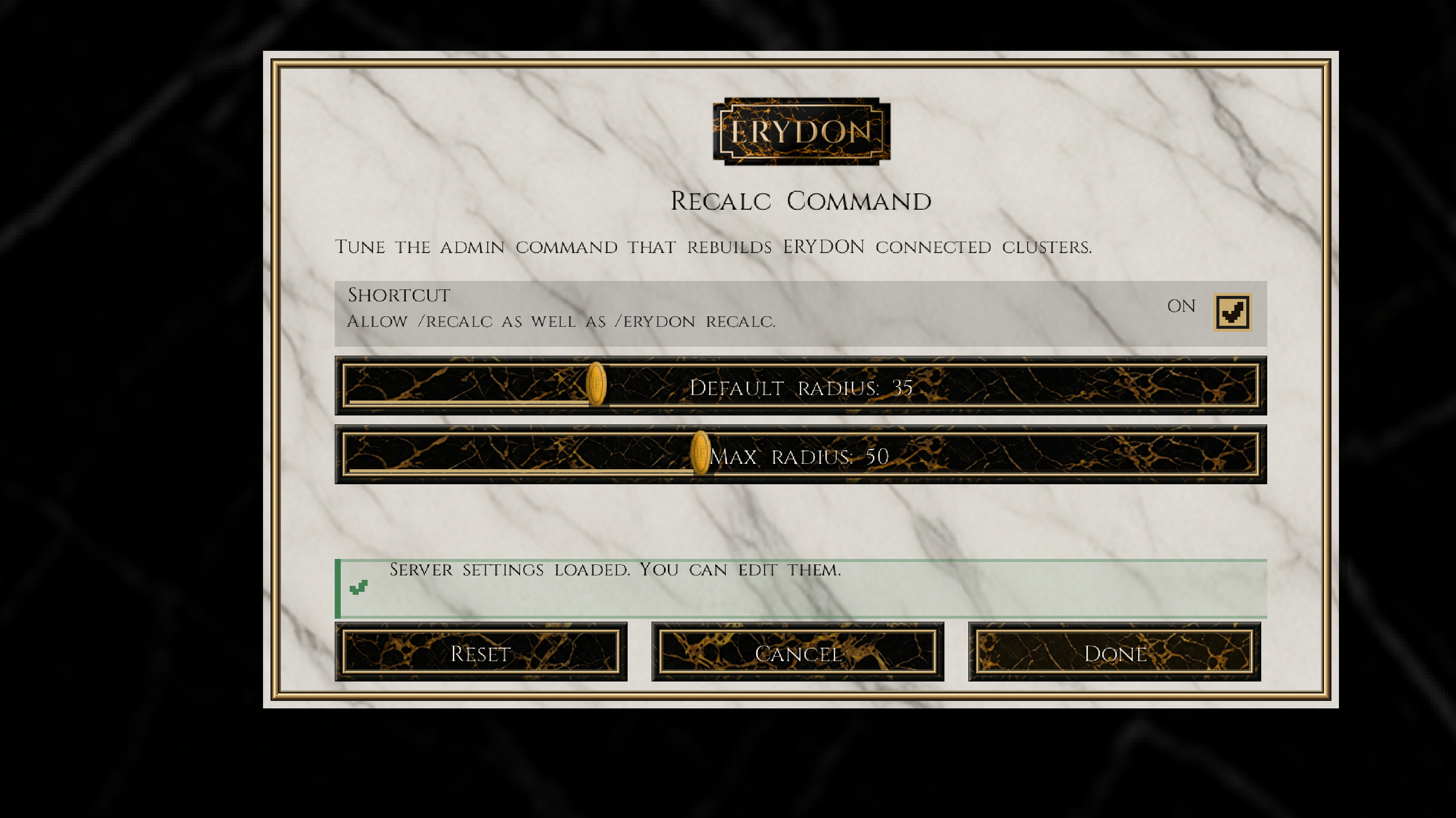
In-game screen · Recalc Command. Example server settings: the /recalc shortcut is on, with radius 35 and maximum 50. Your server may use different values. Open full-size image
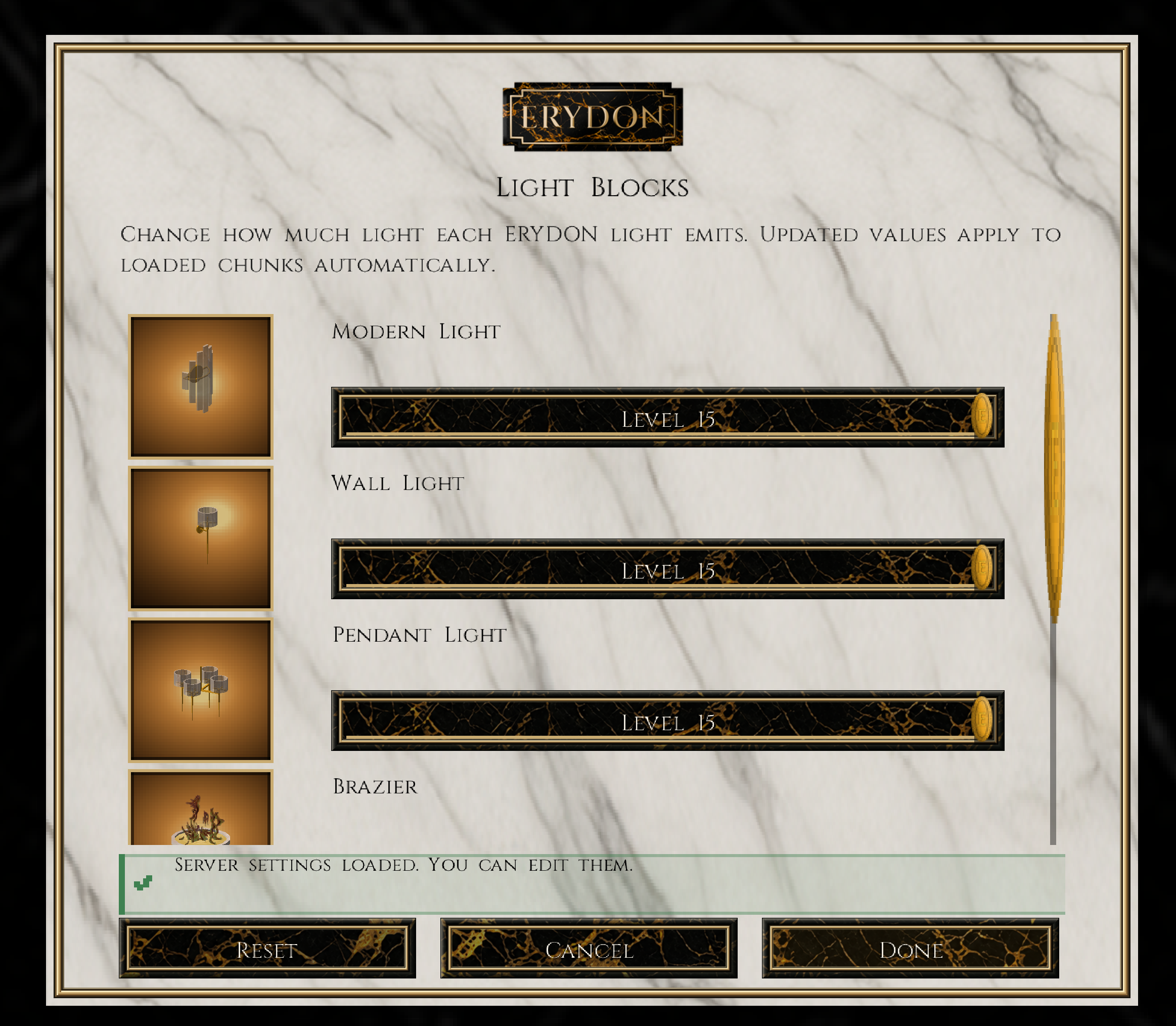
In-game screen · Light Blocks. Modern Light, Wall Light and Pendant Light controls at level 15. More light controls continue below. Open full-size image
In-game screen · High polish · Stones. High polish is on. Stones page 1 of 2 shows the shared presets and individual choices; Latmion has a Mixed setting here. Open full-size image
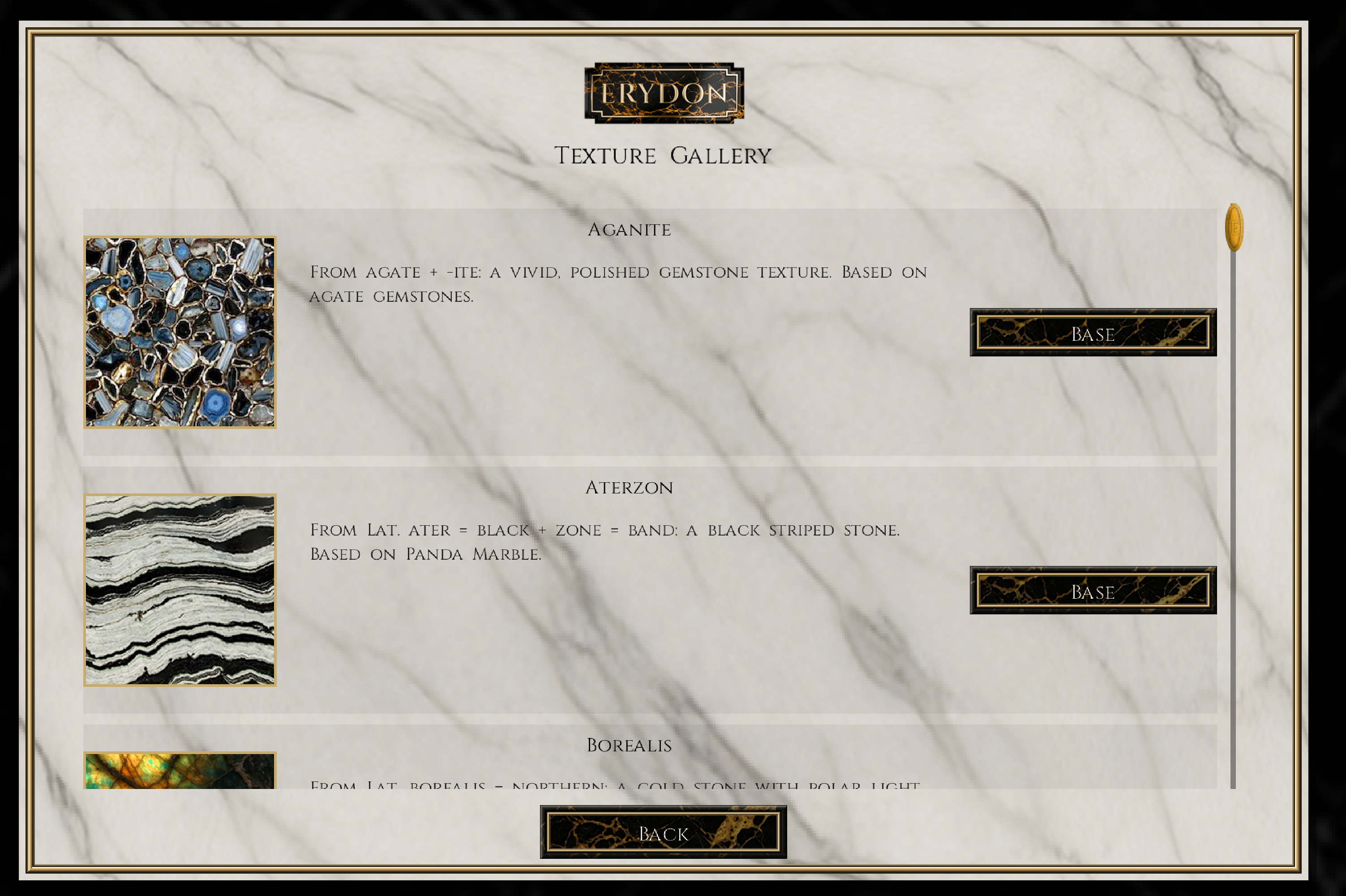
In-game screen · Texture Gallery. Aganite and Aterzon previews, their origins and Base finish buttons. The material list continues below. Open full-size image
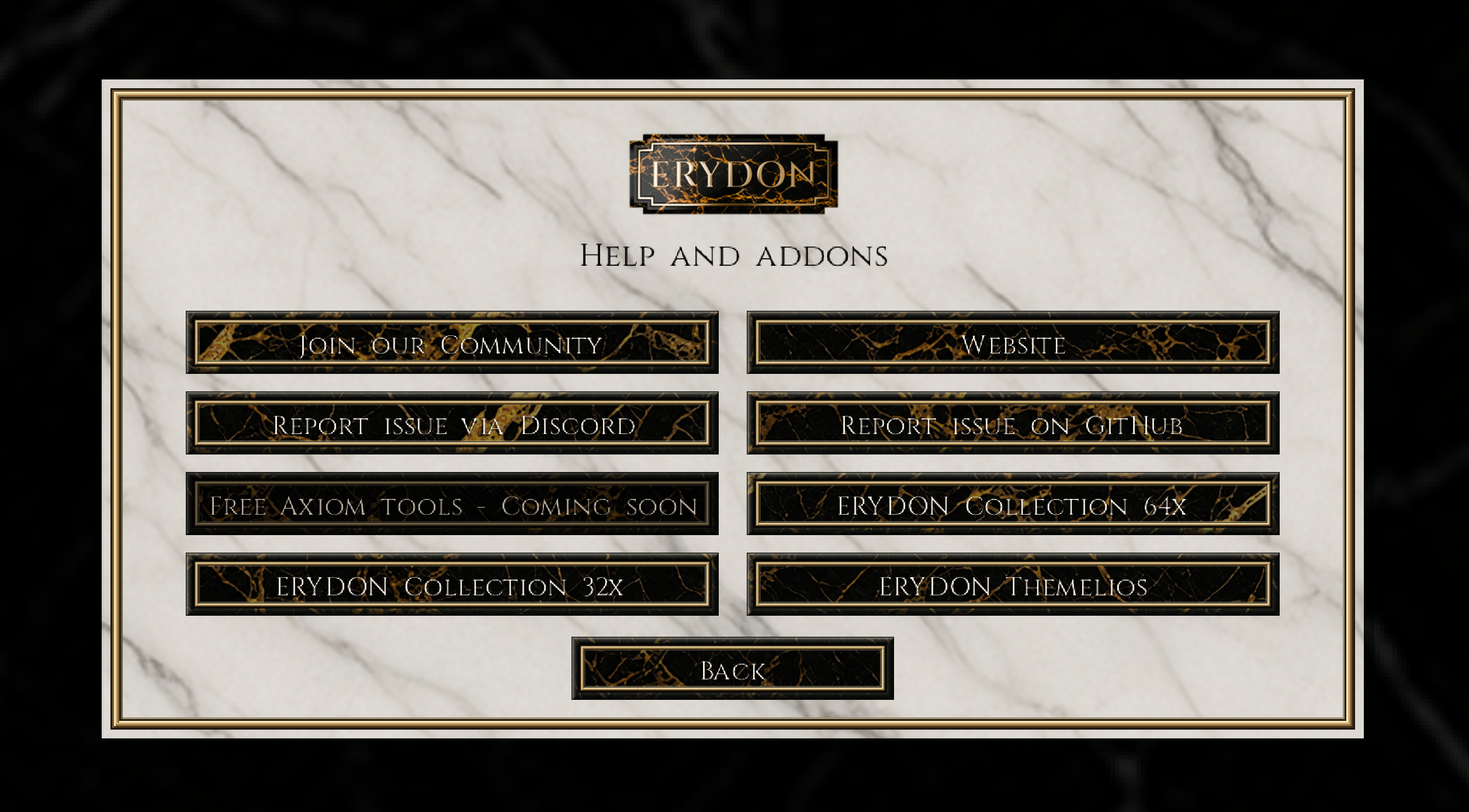
In-game screen · Help and addons. Community, website, issue and pack links. The Free Axiom tools button is marked Coming soon. Open full-size image
Your preferences and the world’s settings.
Tooltips and High polish are client preferences. Emitted light levels and recalculation limits belong to the world or server. In multiplayer, you can read the shared values even when you do not have permission to change them.
High polish changes need a restart. Light-level changes are shared with the server and update loaded chunks after saving.
Tooltips
Show or hide ERYDON block help and choose how long to hover before it appears.